Welcome
Miami MoCAAD’s online museum extends the experience of art beyond the gallery and into everyday life. Together we’re launching a browser-based WebXR venue, accessible on phone, desktop, and VR, that showcases the creativity of the African Diaspora and invites audiences to explore, learn, and return. This partnership reflects our shared commitment to accessibility, education, and culturally rooted innovation.
Platform Overview
The MoCAAD XR Platform is built around three core components, each designed to support the creation, management, and deployment of immersive XR experiences:
XRHUB (Management Dashboard)
XRHUB serves as the centralized interface for managing all XR content and assets and apps. It is the entry point for initiating new projects, organizing existing ones, and publishing them as live Verses.
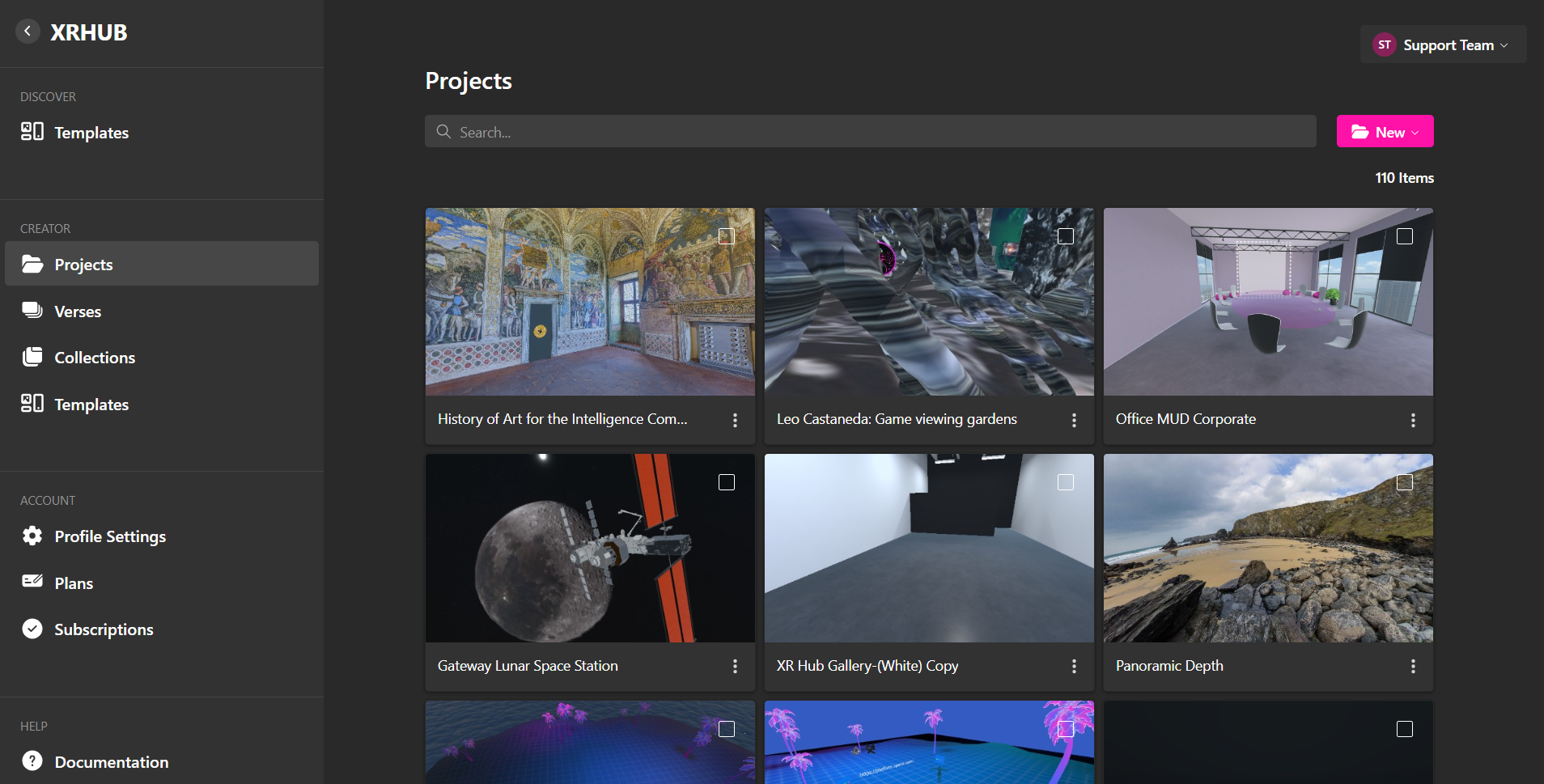
Create, edit, and organize your 3D scenes. You can start from scratch or use templates.
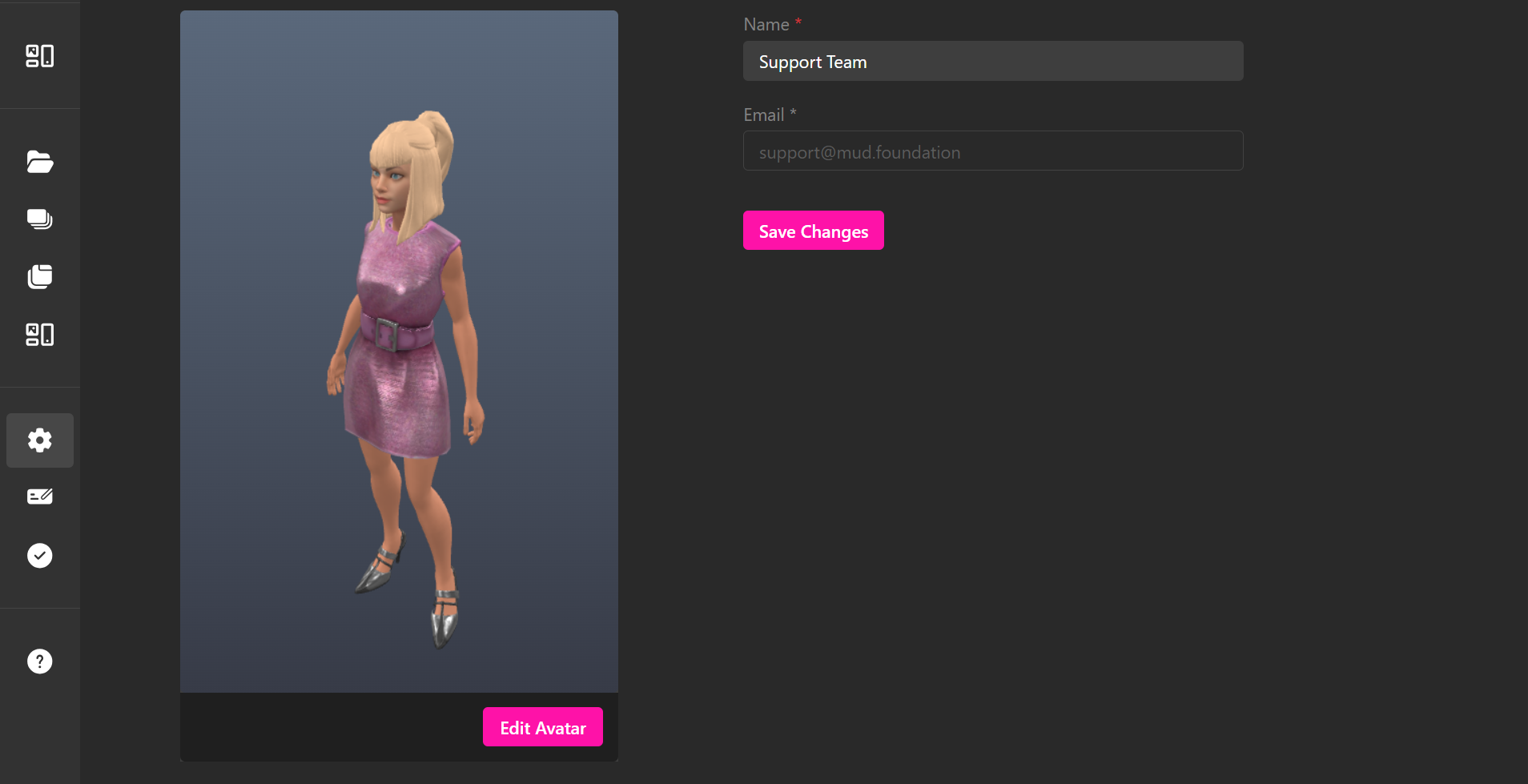
Manage your personal information and control how your avatar appears within the platform.
XR Creator Studio (XR engine)
XR Creator Studio is a web-based 3D editor used to construct and configure interactive environments. It is the primary tool for developing Verses and supports both non-technical and advanced users through a combination of visual interfaces and scripting capabilities.
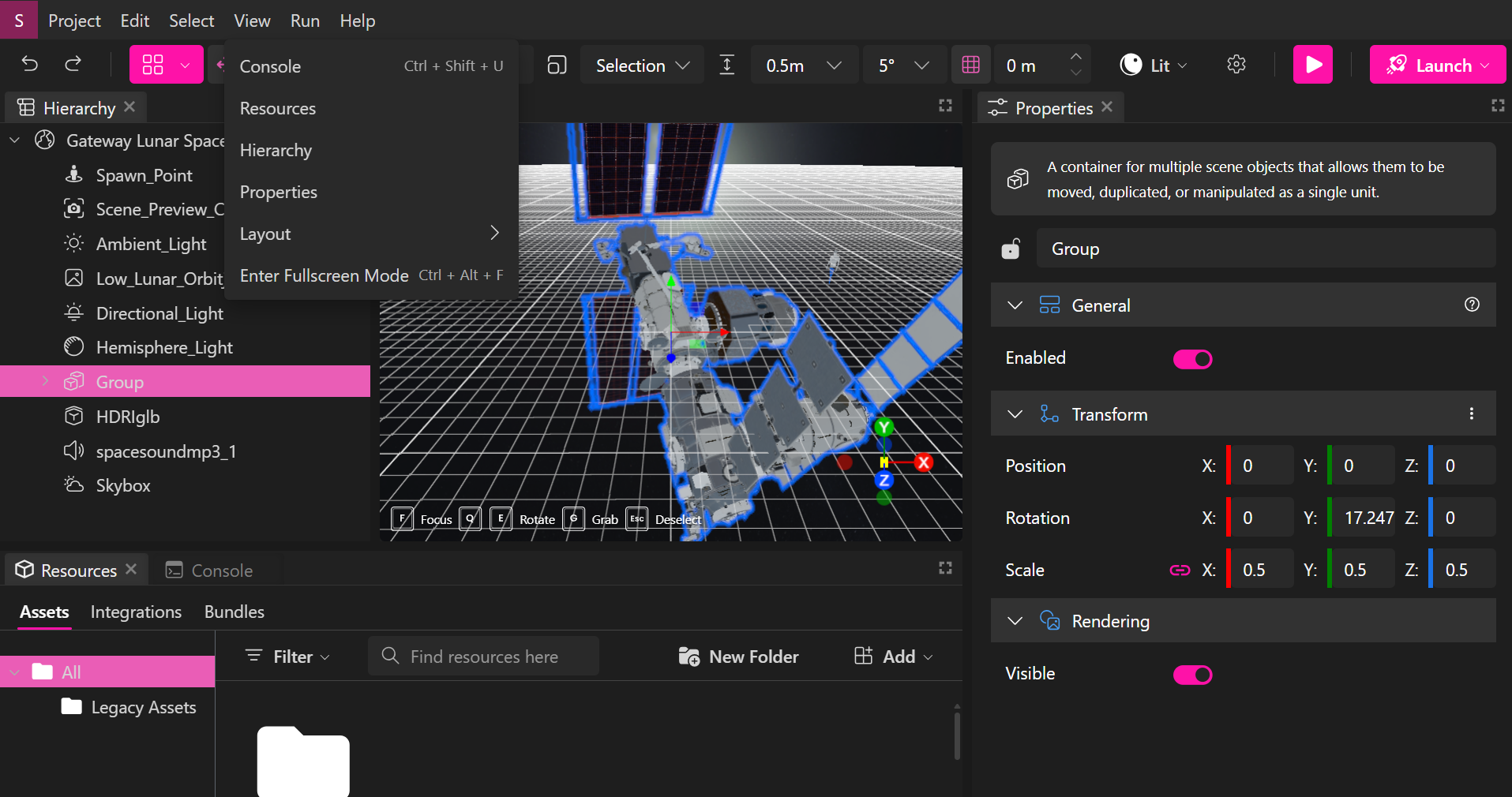
See an overview of the various features within the XR Creator Studio user interface.
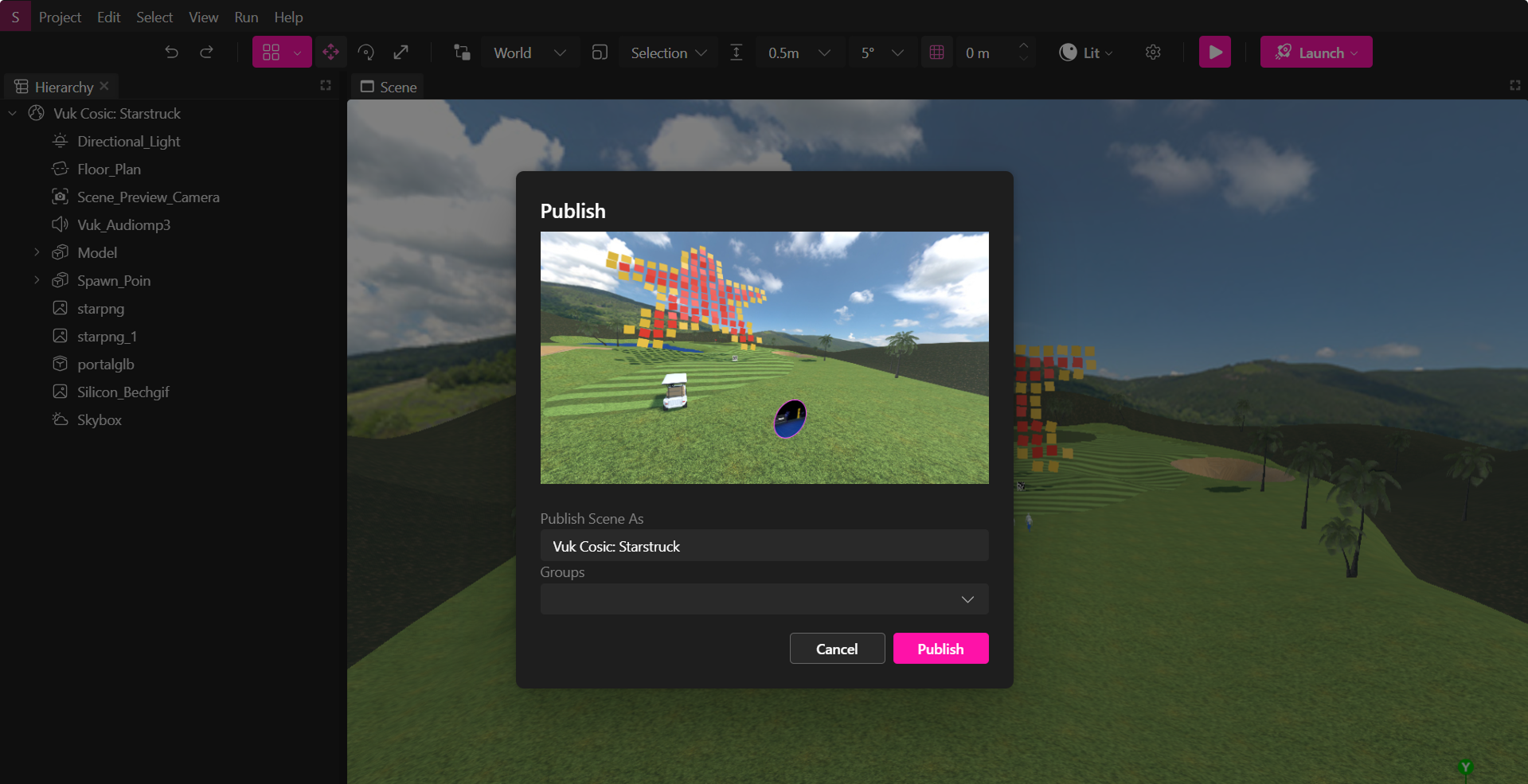
Publish your XR world instantly or export it as .xrproj file for sharing or extended use.
Verses (Published XR Apps)
A Verse is the deployed, runtime instance of a project created in XR Creator Studio. Verses are accessible across desktop, mobile, and VR devices, and serve as the end-user interface for immersive experiences.

Learn how to join and navigate existing Verses using desktop, mobile, or VR.

Customize your own avatars, store files, and manage your user expirience in the Metaverse.